

Skip to content
Yumi

All goals

Lose weight without counting every bite

A sensible deficit, logged in seconds.

A steady calorie deficit is easier when logging takes one photo. Yumi sets a daily target for your weight-loss goal and keeps protein in view.

Download on the App StoreGet it on Google Play

3-day free trial · iPhone, iPad & Android

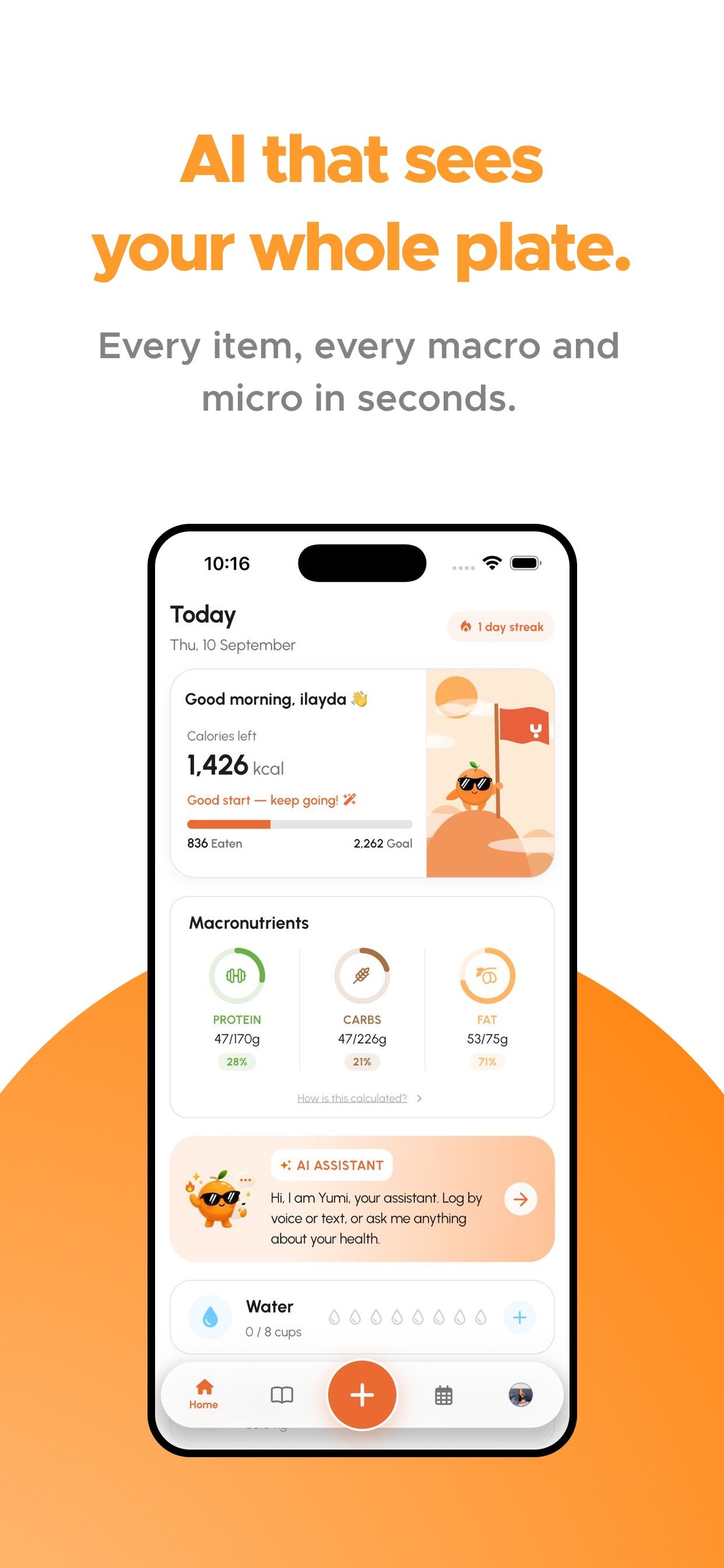
Yumi home screen with calories left, protein, carbs and fat rings and the AI assistant

A deficit you can keep

Weight loss comes down to eating a little less energy than you use, consistently. The hard part is not the maths, it is keeping track week after week. Yumi sets a sensible daily calorie target for your goal and makes logging so quick that you keep doing it: snap your meal, check the extras, done.

Keep protein up

When you eat less, protein helps you stay full and hold on to muscle. The protein ring on your home screen shows how much is left today, and the AI assistant can suggest a dinner that closes the gap.

Watch the trend, not the day

Weigh in when it suits you and let the weight chart show the trend. As your weight changes, your targets adapt so the plan stays right for where you are now.

No guilt

A big dinner is one meal, not a failure. Log it, look at the week, and carry on. Not sure where to start? The calorie calculator gives you a first number in under a minute.

Frequently asked questions

How many calories should I eat to lose weight?

It depends on your size, age, sex and activity. A common approach is a moderate deficit below your maintenance calories. Yumi sets this for you from your goal; the free calorie calculator gives an estimate too.

Is a photo calorie counter good for weight loss?

For many people, yes, because logging becomes fast enough to keep doing. Consistency matters more than perfect accuracy.

Your next meal is one photo away

Free download on iPhone, iPad and Android. Every plan starts with a 3-day free trial.

Download on the App StoreGet it on Google Play