


01 / 07
Macro tracker
Daily calorie and macro targets built around your goal, activity and eating style.
Learn moreAI calorie counter
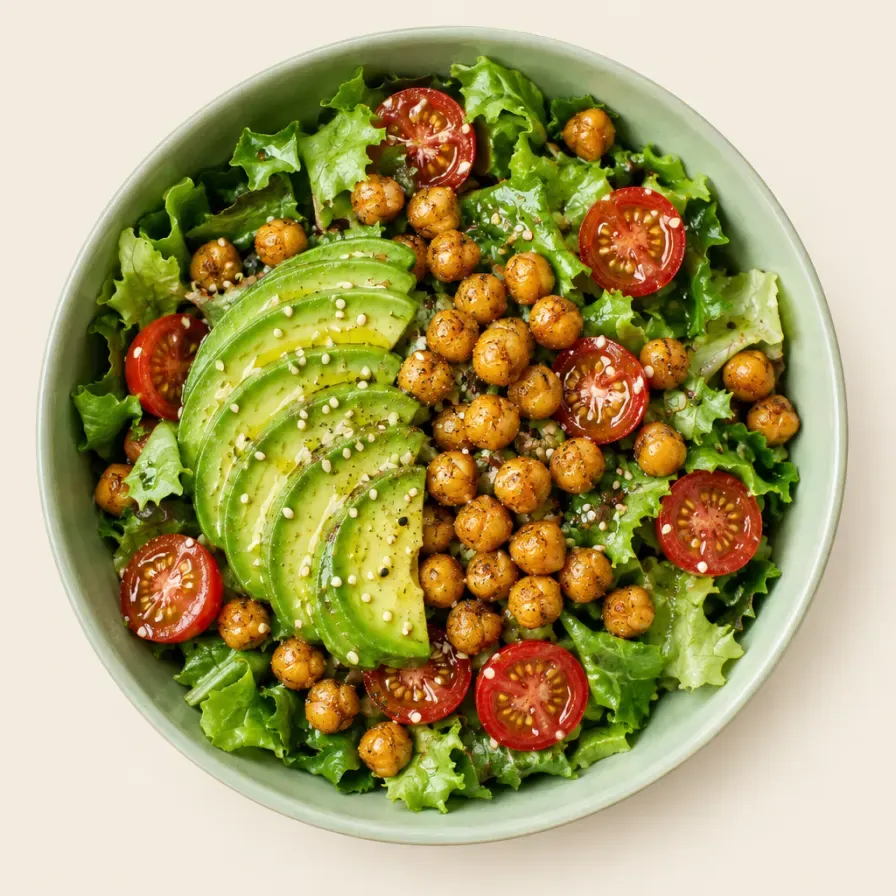
Take a photo of your food and Yumi estimates calories, protein, carbs and fat in seconds. No endless searching, no weighing every bite, no guilt.


3-day free trial · iPhone, iPad & Android
How it works
01 / 03
Point your camera at your meal. Yumi recognizes every item and estimates its calories and macros.
02 / 03
Add the cooking oil, butter or dressing with a tap, or tell Yumi what the photo missed.
03 / 03
Calories left, three macro rings and your AI assistant, right on the home screen.
Track what matters
Your plan adapts as you go, whether you want to lose weight, maintain or build muscle.
Daily calorie and macro targets built around your goal, activity and eating style.
Learn moreAsk what to eat or whether lunch fits your goals. Log by voice or text.
Learn moreBring activity and weight in from Apple Health or Health Connect.
Learn moreGo further with Max
The more you log, the better it gets.
Your goal
Free calculators
Standard equations, calculated in your browser. Nothing is stored.
Free · no sign-up · nothing stored
Calorie calculator
BMR1,536 kcal
Activity× 1.4
BMR and daily calories (TDEE) with Mifflin-St Jeor.
CalculateMacro calculator
Total2,150 kcal
Protein, carbs and fat in grams for your calories.
CalculateBMI calculator
Weight · height72 kg · 179 cm
CategoryWHO: normal
Body mass index and the WHO category.
CalculateWater intake calculator
72 kg × 35 ml + exercise
How much water a day, in litres and cups.
CalculateYour health data stays yours.
Inside the app
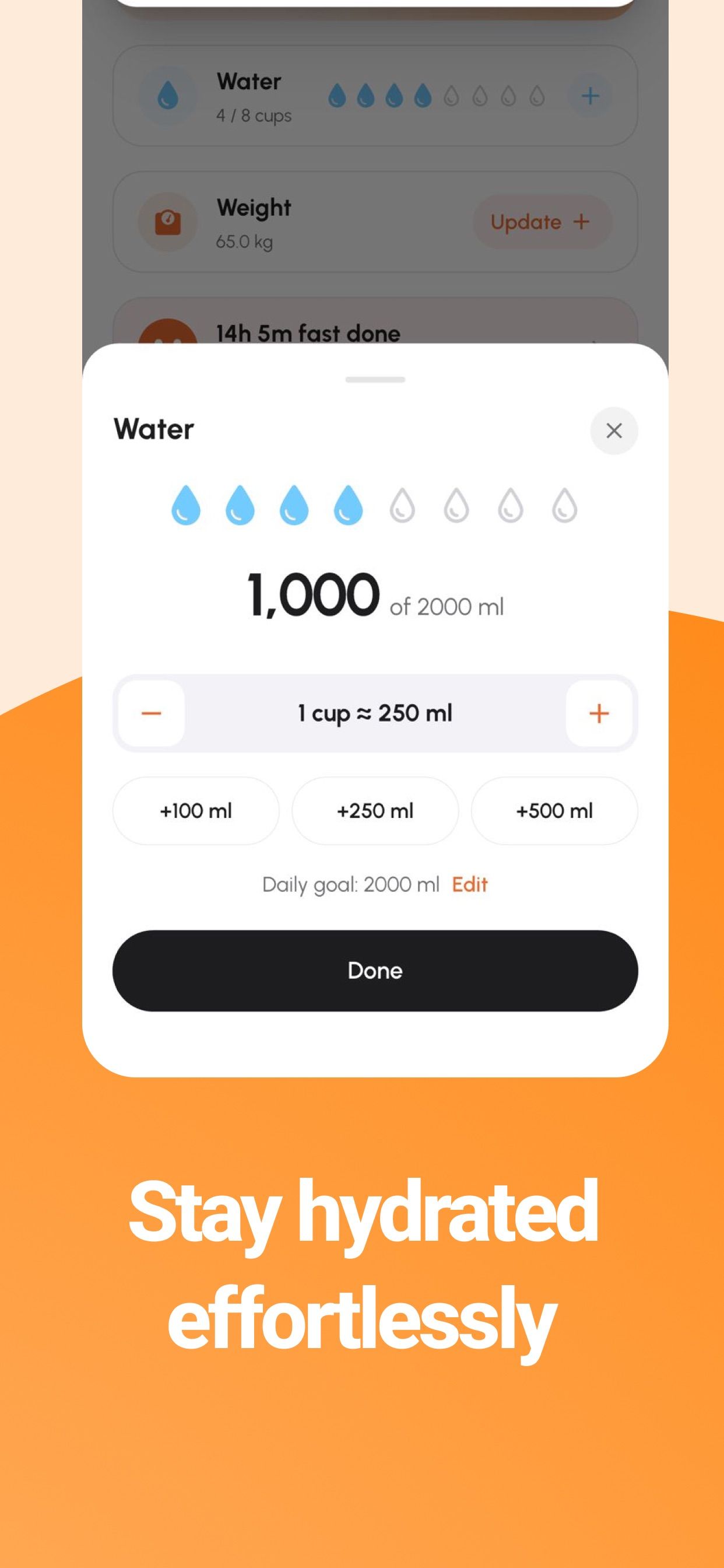
Water
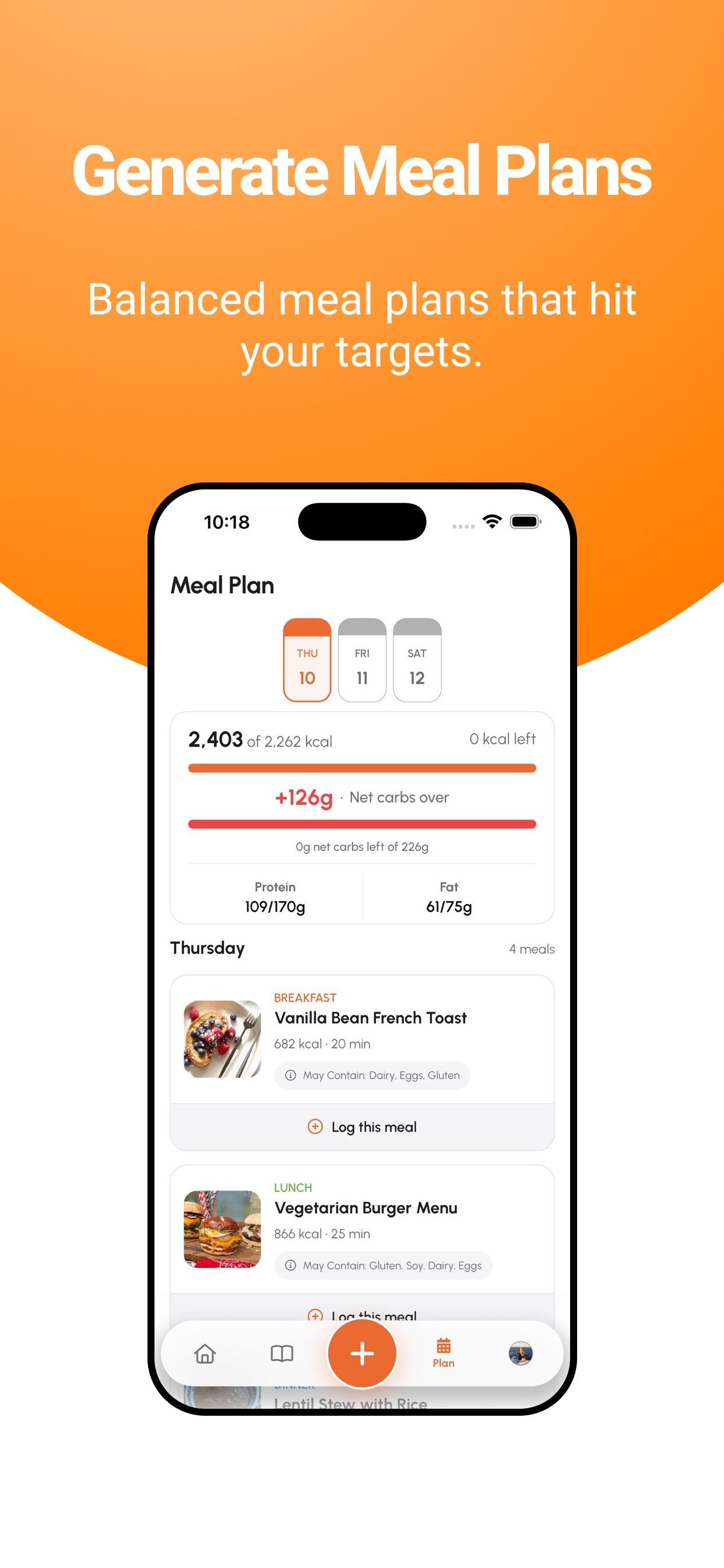
Weekly plan
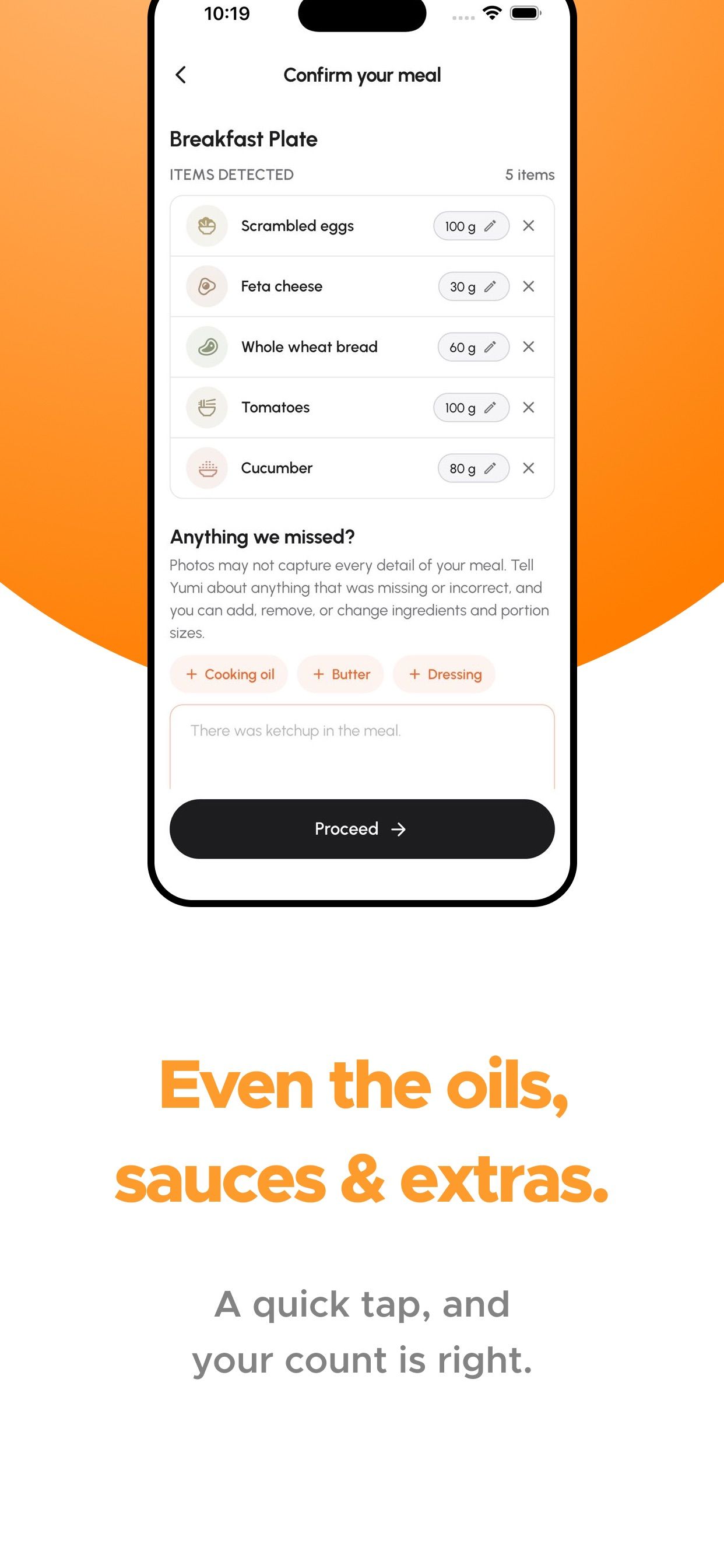
Add the extras
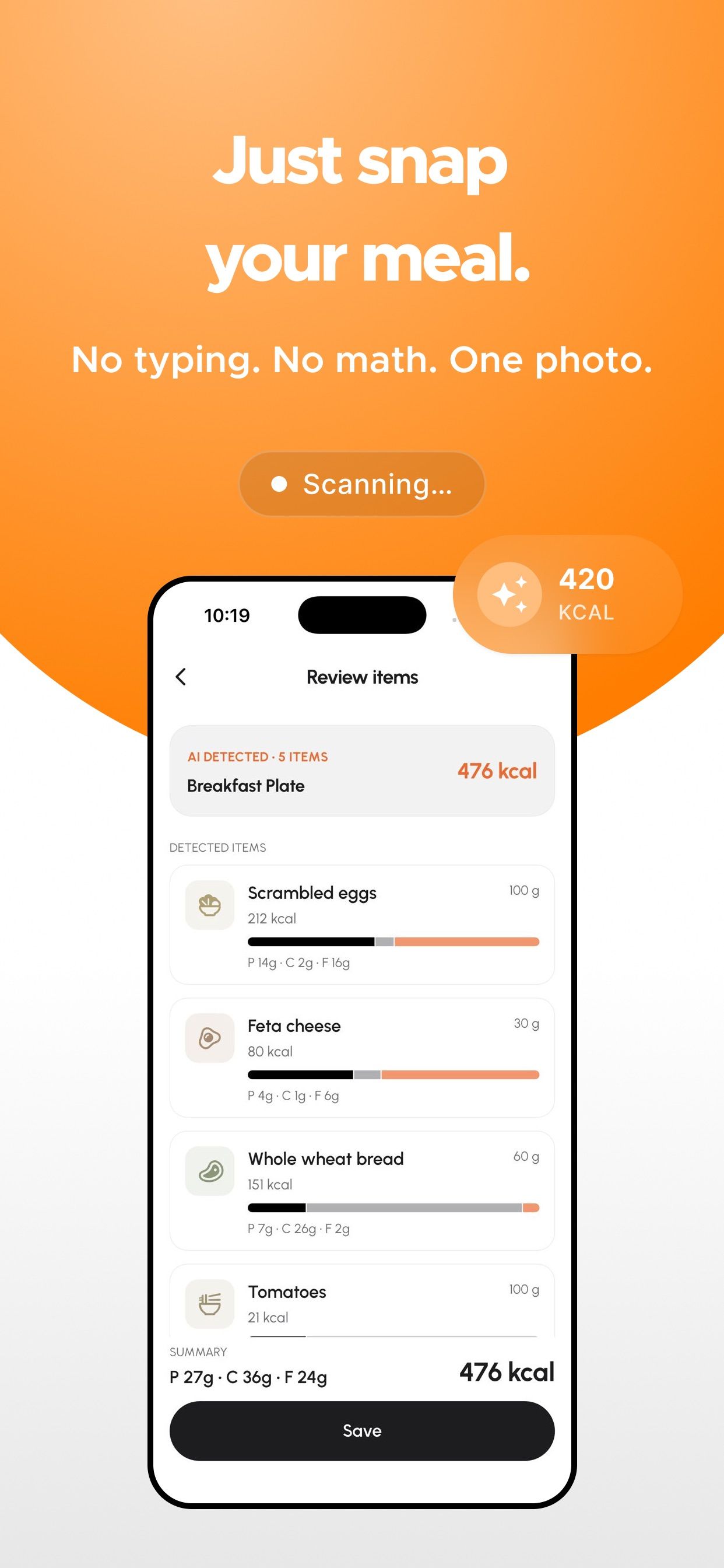
Snap a meal
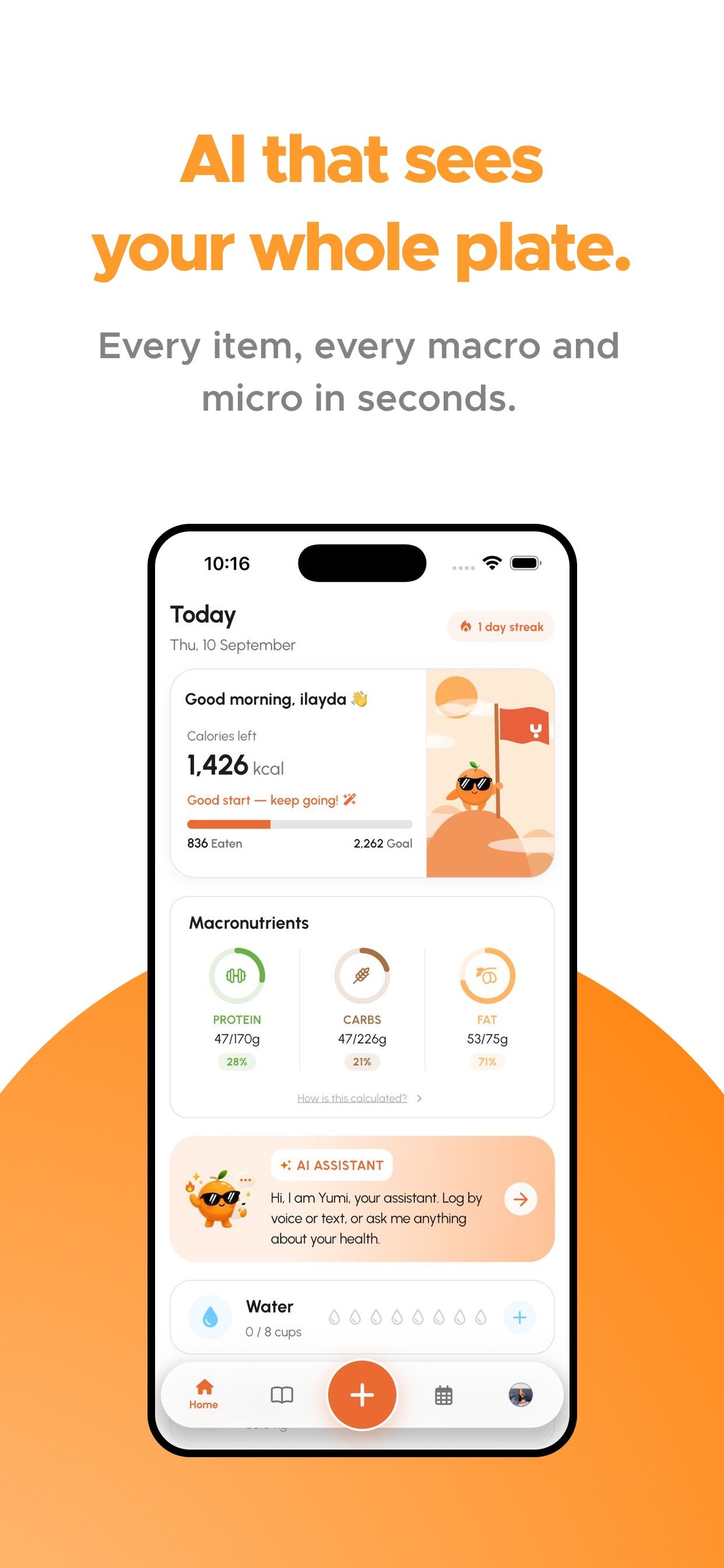
Your day
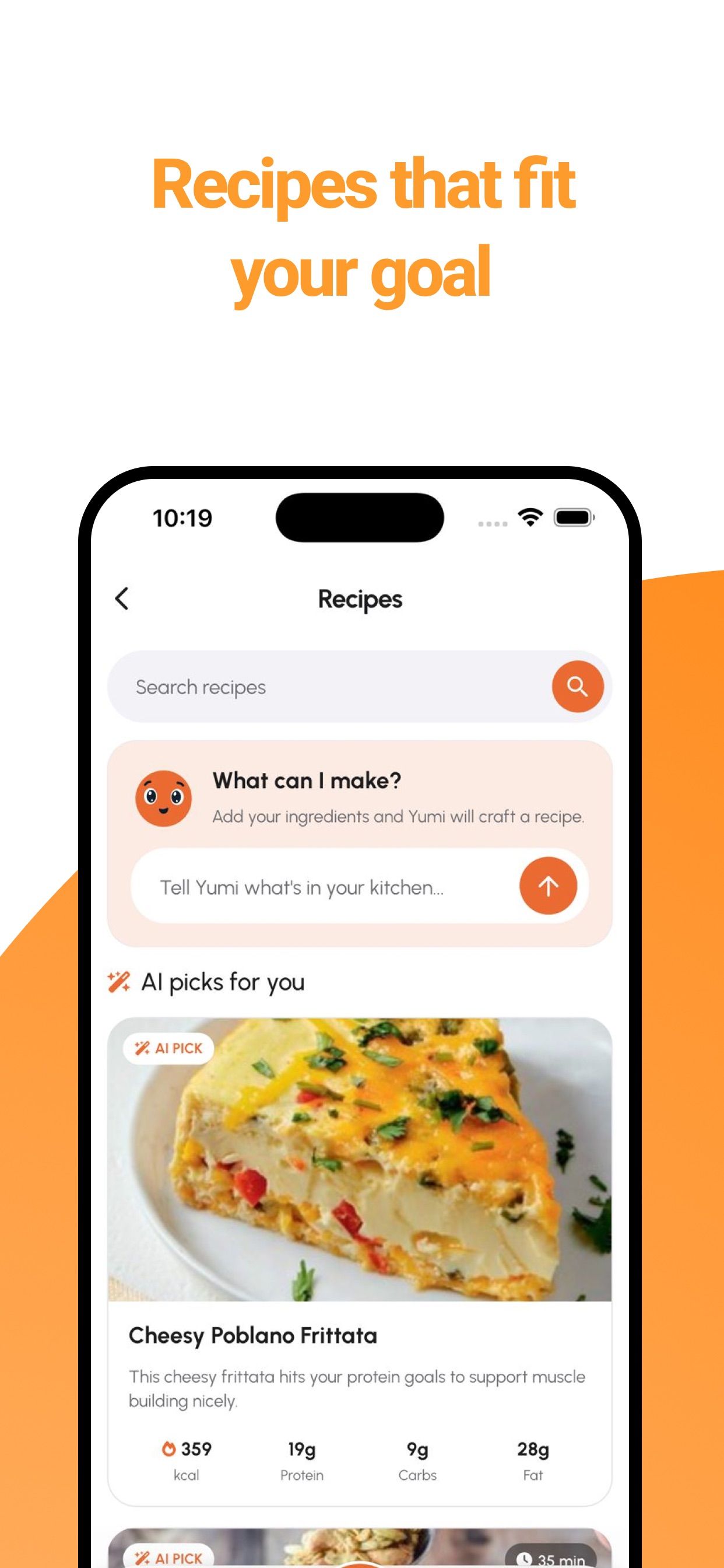
Recipes
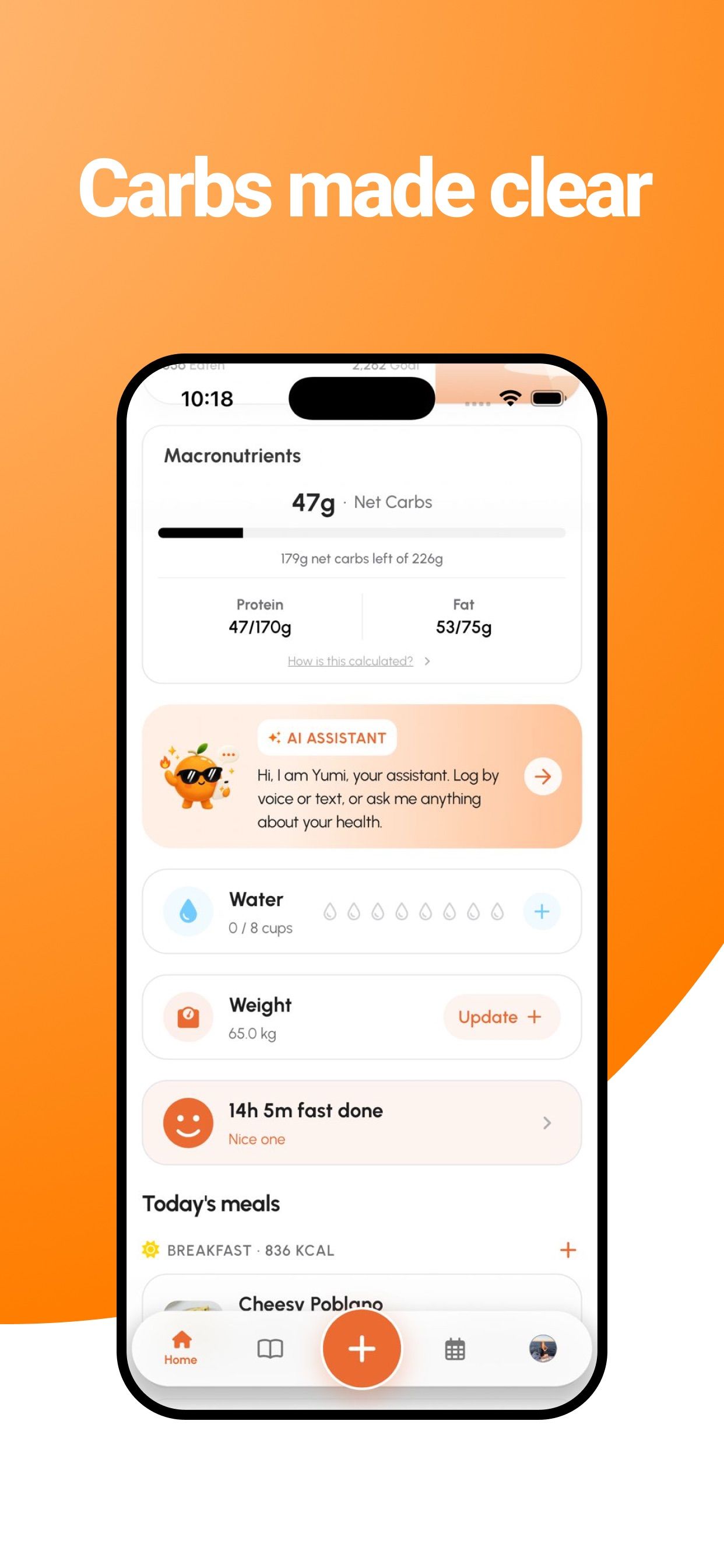
Net carbs
FAQ
Point your camera at your plate. Yumi recognizes the items and estimates calories, protein, carbs and fat for each. You can adjust portions, add extras like oil or sauce, and save.
Yumi is free to download and every plan starts with a 3-day free trial. After that, Yumi Pro or Yumi Max is a monthly or yearly subscription; prices are shown in the app.
Pro includes AI photo logging, macros and daily targets, the AI nutrition assistant, fasting, water and weight tracking, carb aware mode and health sync. Max adds weekly meal plans that learn from you, the recipe library and the doctor export PDF.
Yes. Search and add foods manually, or tell the AI assistant what you ate by voice or text.
Yes. Connect Apple Health on iPhone or Health Connect on Android to bring your activity and weight into Yumi.
Your health data stays yours. We never sell your data, and you can delete your account and data anytime from Settings.
No. Yumi provides nutrition estimates for general wellness purposes and is not a substitute for professional medical advice.

Free download on iPhone, iPad and Android. Every plan starts with a 3-day free trial.